
Quick Start
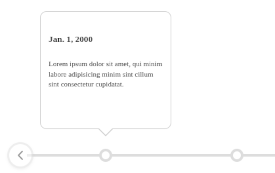
Learn how to get started quickly. Copy/Paste code snippets you can use to build your own custom timelines.
Inline Data Attributes
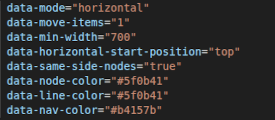
Learn how to use inline data attributes on the parent HTML element to customize the functionality and appearance of your timeline.
JSON Config Files
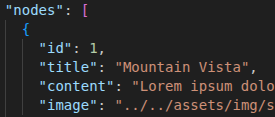
Learn how to create timelines using external JSON configuration files to store your data instead of using inline HTML attributes. There are many advantages to using this method.
JSON Timestamps
How you write dates in your JSON config file is important. Learn how to generate JSON timestamps correctly using the ISO 8601 date format.
Minimal JSON Example
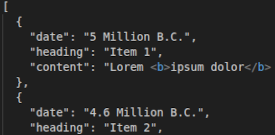
This example demonstrates how to create a timeline from a minimal JSON file (using only a simple array of data).

Advanced Usage
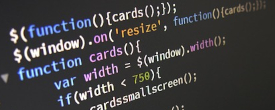
Use Javascript to generate and control timelines programmatically from other data sources (e.g. databases). Requires knowledge of Javascript!
SwiperJS Add-On

Learn how to use SwiperJS as a 3rd party add-on to enable touch screen interaction on horizontal timelines. Requires knowledge of Javascript!