Aserve (Apache serve) provides an easy way for developers to "point-and-serve" a folder on Linux without having to copy files to /var/www/html, set up Apache vhosts, create symbolic links, or modify permissions. Technically, it's a bash shell script that temporarily bind-mounts a local folder into Apache's document root (/var/www/html), adds minimal ACLs so Apache's www-data user can read/traverse the files, reloads Apache, and cleans everything up when you stop it.
⚠️ Aserve is a dev tool and isn't intended for long-term file serving or production use! ⚠️
Here's basically what Aserve is doing:
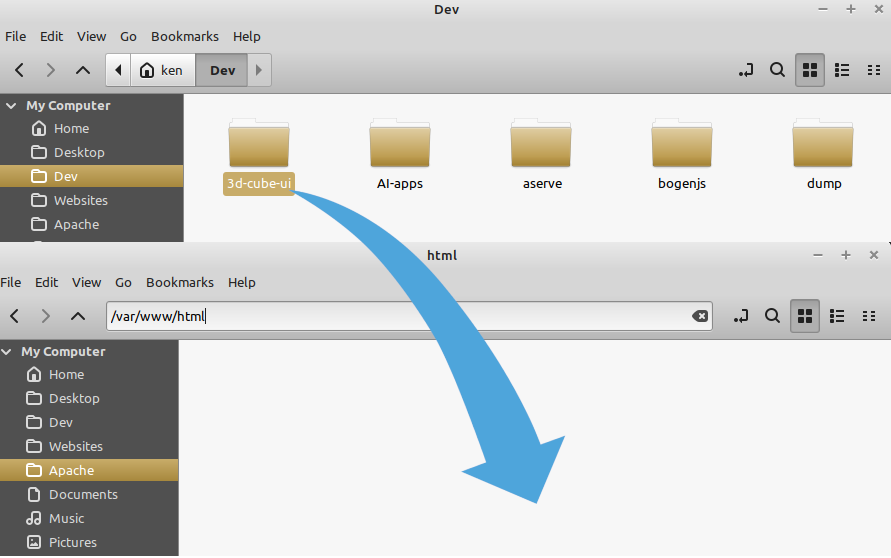
Say you have a folder at: /home/ken/Dev/3d-cube-ui which contains a web site and, you also have an Apache web server installed at: /var/www/html.
You want to be able to open your Dev site quickly, and see it being served via a real web server. You could copy all the files to /var/www/html and open in your browser. But, then you have to clean up and remove the files later. You could set up a symbolic link in the Apache directory. But, you'd have to make sure to get the group ownership and file permissions set correctly otherwise, your site's not going to work properly.
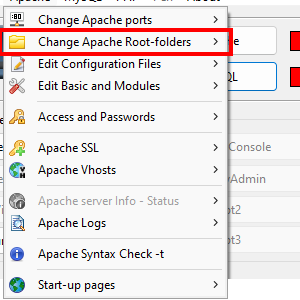
After playing around with Uniform Server and XAMPP (and other WAMP tools) on Windows, I got spoiled by the ability to quickly start up a server, point it to a web site, and view sites quickly. (Check out the screenshot from Uniform Server). I suppose I could just use /var/www/html as my developer directory? But I prefer to store my developer files elsewhere. So, I started looking for an easy way to point a folder to an Apache web server on Linux with messing around with permissions, symlinks, or trying to diff multiple copies of files. Something easy like they had on WAMP server tools on Windows. But, I couldn't really find anything. Most people just said "set up vhosts" or "use symlinks". This was the impetus for creating Aserve.
Now, I just go to the console and type: "sudo aserve -o 3d-cube-ui/ cube" and my browser opens http://localhost/cube and shows my site.
The "-o" switch tells Aserve to open the default browser. By typing "cube" I give the site a new alias for Apache (instead of using "3d-cube-ui"). It looks like this: (click for larger image)
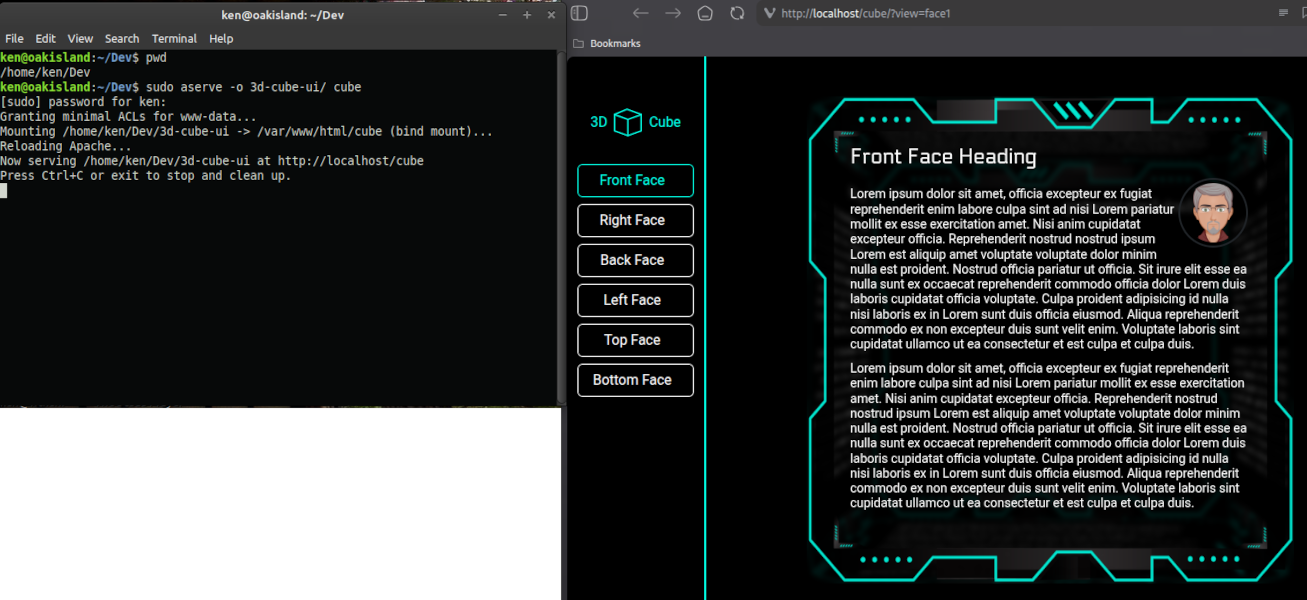
When I am done browsing my site, I close the browser window and type "Ctrl+C" in the terminal. This stops Aserve and cleans everything up automatically. Aserve was developed and tested on Linux Mint but, should work on most Debian/Ubuntu Linux derivatives. Be sure to read the prerequisites.